
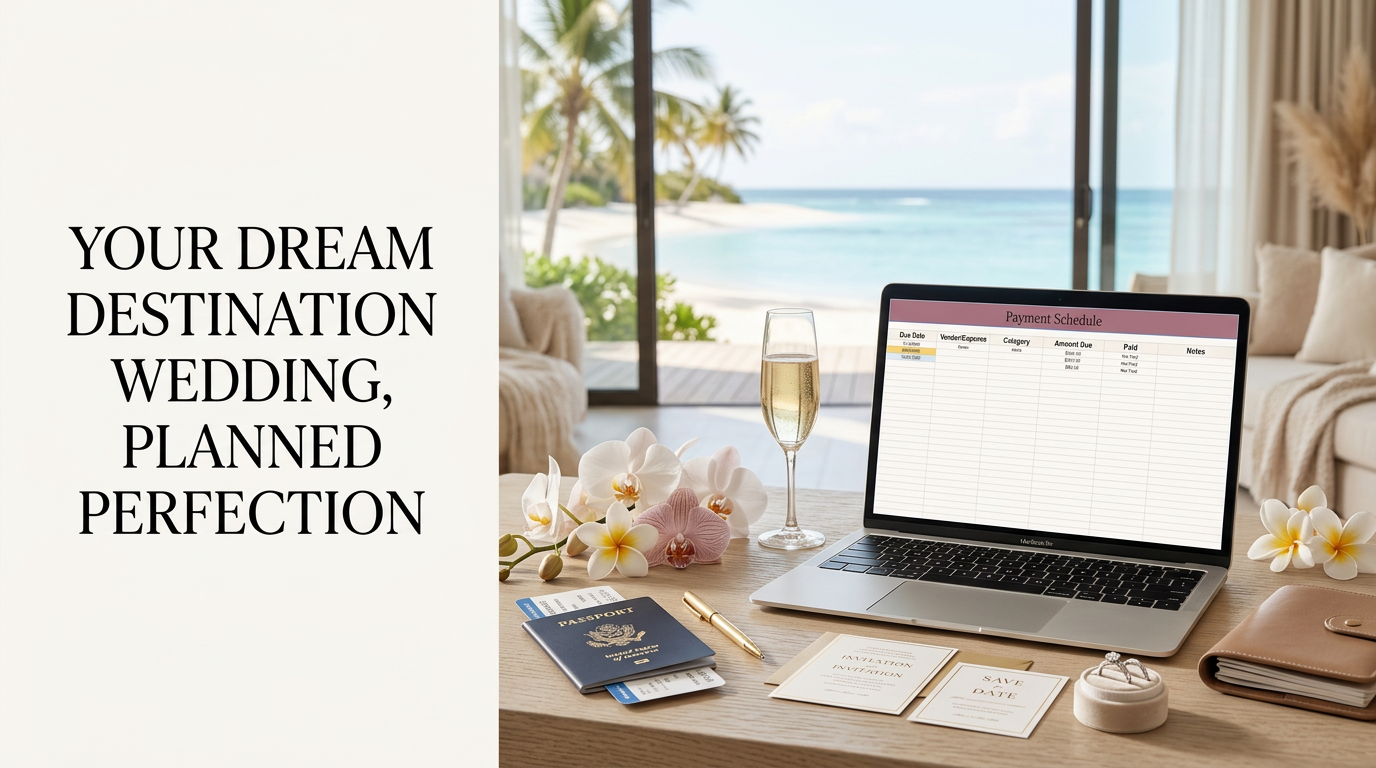

Destination Wedding Google Sheets Template
Destination Wedding Planner
Planning a destination wedding is exciting, but there are a lot of moving pieces. Between your wedding package, travel expenses, guest experiences, deposits, vendors, and payment deadlines, everything can get messy fast. The Destination Wedding Planner helps you track your wedding costs, travel expenses, guest experiences, payments, due dates, and important contacts in one organized Google Sheets workbook.
Your Destination Wedding Planning Home Base
This planner brings your wedding budget, travel costs, guest experience expenses, payment deadlines, and vendor contacts together so you can spend less time searching through emails and more time enjoying the planning process.
Wedding Details
Create a planning snapshot with your wedding date, destination, resort, travel dates, estimated guest count, overall budget, and key contacts.
Budget Tracker
Track your budgeted cost, actual cost, deposits, remaining balances, payment deadlines, and whether each expense is over or under budget.
Travel Cost
Organize flights, resort costs, transfers, travel protection, passport expenses, luggage, destination fees, airport parking, and more.
Guest Experience Cost
Track welcome bags, private events, excursions, guest transportation, room drops, farewell brunches, and other special experiences.
Payment Schedule
See what you owe next with payment information automatically pulled from your wedding, travel, and guest experience sheets.
Vendors & Contacts
Keep important names, phone numbers, email addresses, websites, and planning notes together for quick access.

Start With the Big Picture
The Wedding Details tab creates a quick snapshot of your destination wedding. Add your names, wedding date, destination, resort, travel dates, estimated guest count, overall budget, travel advisor, and wedding coordinator.
From there, use the Budget Tracker to organize the major expenses connected to the wedding itself.
- Wedding package and venue expenses
- Ceremony and reception costs
- Photography and videography
- Florals, entertainment, attire, and beauty
- Deposits, deadlines, and remaining balances
See Where Your Money Is Going
Built in formulas compare your budgeted cost with the actual cost and calculate how much is still owed after your deposit has been paid.

Do Not Forget the Travel Costs
Your destination wedding budget includes much more than the ceremony and reception. The Travel Cost tab helps you account for the expenses connected to getting to the destination and staying there.
Enter the full cost of each travel expense and the amount you have already paid. The planner automatically calculates what is still owed.
- Flights and resort accommodations
- Airport transfers and travel protection
- Passports, visas, Visitax, and destination fees
- Luggage and airport parking
- Airport hotels and pet boarding

Plan the Guest Experience Without Guessing
Welcome gifts, private events, transportation, and excursions can make your destination wedding feel incredibly special. They can also add up quickly.
The Guest Experience Cost tab tracks the full cost, number of guests, cost per person, amount paid, and remaining balance for each experience.
- Welcome bags and room drops
- Welcome parties and farewell brunches
- Group excursions and catamarans
- Guest transportation
- Welcome drinks and hangover kits
Know the True Cost Per Guest
The Guest Experience Cost sheet automatically divides the total cost by the number of guests, giving you a clearer view of what each welcome gift, event, excursion, or transportation service actually costs per person.

See What You Owe Next
The Payment Schedule is your central place to review upcoming payments. It automatically pulls information from the Budget Tracker, Travel Cost, and Guest Experience Cost sheets.
Instead of opening every tab, you can quickly review due dates, expenses, categories, remaining balances, and payment status.
- Due dates pulled from your planning sheets
- Vendor, expense, or event name
- Expense category
- Remaining amount due
- Automatic Paid or Not Paid status
Easy to Read Color Coding
Know What Needs Your Attention
The planner uses simple color coding so you can quickly see what looks good, what needs attention soon, and what requires immediate action.
- Green: Everything looks good. This may include paid expenses, items under budget, or payments due within one to two months.
- Yellow: Attention is needed soon. Yellow highlights payments due within the next 30 days.
- Red: Action is required. Red may indicate an overdue payment or an expense that has gone over budget.
Keep Important Contacts Close
The Vendors & Contacts tab gives you one place to save names, email addresses, phone numbers, websites, and notes for your resort, wedding coordinator, travel advisor, photographer, videographer, beauty team, entertainment, florist, transportation provider, excursion company, and emergency contacts.
How It Works
You do not need to be a spreadsheet expert. The workbook is designed to guide you through your destination wedding expenses one section at a time.
Purchase
Complete checkout and receive the digital download containing your template access instructions.
Make a Copy
Open the Google Sheets template and save your own editable copy to your Google Drive.
Start Planning
Begin with the Wedding Details tab, then add expenses, payments, deadlines, and contacts as your plans come together.
A Few Tips Before You Begin
Get the Most From Your Planner
- Update your planner after every payment.
- Keep copies of all invoices, receipts, contracts, and payment confirmations.
- Review your Payment Schedule at least once a month.
- Leave extra room in your budget for tips, upgrades, and unexpected expenses.
- Do not forget travel protection, airport costs, passports, baggage fees, Visitax, and destination fees.
- Add your vendors and important contacts before traveling so everything is easy to find during wedding week.
Destination Weddings Are Supposed to Be Exciting
Things may change, prices may shift, and plans may need to be adjusted along the way. That is completely normal.
Use this planner as your home base so you can stay organized, feel more in control, and spend less time wondering what you owe next.
Template Details
Format: Google Sheets Template
Delivery: Instant digital download PDF with template access link
Software Needed: A free Google account
Skill Level: Beginner Friendly
Included Sheets: Wedding Details, Budget Tracker, Travel Cost, Guest Experience Cost, Payment Schedule, and Vendors & Contacts
Built In Tools: Budget comparisons, remaining balance calculations, cost per person calculations, payment status, and due date color coding
Use: Personal use only
A Quick Little Disclaimer
This is a digital product. Nothing physical will be shipped.
This template is for personal use only and may not be resold, shared, redistributed, copied, or claimed as your own.
Google Sheets formatting and formulas work best inside Google Sheets and may not transfer correctly into Excel, Numbers, or other spreadsheet programs.
This workbook is an organizational planning tool. It does not replace your travel advisor, wedding planner, resort coordinator, accountant, legal advisor, vendor contracts, or professional financial advice.

Meet the Creator
Hi, I’m Melissa!
I am the founder of Destination Brides Club and the travel advisor behind Beyond the Wedding Travels. I specialize in destination weddings, honeymoons, bachelorette getaways, and all inclusive vacations throughout Mexico and the Caribbean.
After helping couples manage resort packages, room blocks, guest travel, payment deadlines, destination fees, and wedding weekend plans, I know how easy it is for the financial side of a destination wedding to become overwhelming.
I created this planner to give destination wedding couples one organized place to track the details, understand what they have spent, and clearly see what they still owe. My goal is to help you feel more prepared, more confident, and much less stressed throughout the planning process.
Need a Little More Help?
Let’s Chat About Your Destination Wedding
Need more assistance with this template or would like to chat about destination weddings? Schedule a consultation with me and we can talk through your questions, resort options, room block, guest travel, honeymoon plans, and where you may need additional support.
Schedule a ConsultationReady to Get Organized?
Plan Your Destination Wedding Without Losing Track of the Details
Keep your wedding budget, travel expenses, guest experience costs, payment deadlines, and vendor contacts together in one beautifully organized Google Sheets planner.
Get the Destination Wedding Planner Explore More Destination Wedding Templates